Accurate speech to text
Turn spoken audio into clear text with MAI-Transcribe-1 speech-to-text processing built for production transcription workflows.

MAI-Transcribe-1
accurate speech to textMAI-Transcribe-1 speech to text
Use MAI-Transcribe-1 to transcribe calls, meetings, interviews, subtitles, podcasts, and recorded speech with accurate speech-to-text output across multilingual and noisy-audio conditions.
MAI-Transcribe-1 dashboard
Transcript

Product
MAI-Transcribe-1 is designed for users who need speech-to-text that performs well outside perfect studio recordings. It is built for meetings, support calls, media files, interviews, and production audio where transcript quality directly affects usability.
If you need cleaner transcripts from difficult audio, multilingual speech, or long recordings, MAI-Transcribe-1 is built for that kind of workload.
Features
Turn spoken audio into clear text with MAI-Transcribe-1 speech-to-text processing built for production transcription workflows.
Transcribe audio more reliably in noisy environments, including background noise, low-quality recordings, and overlapping speech.
Use MAI-Transcribe-1 across 25 supported languages for multilingual speech-to-text and cross-market transcription workloads.
Process uploaded audio efficiently for subtitle generation, meeting archives, media libraries, and large transcription queues.
Use it on calls, meetings, interviews, podcasts, training recordings, and other speech data that is rarely perfectly clean.
Convert audio into transcript-ready text for notes, captions, searchable archives, summaries, and downstream automation.
Community
Use Cases
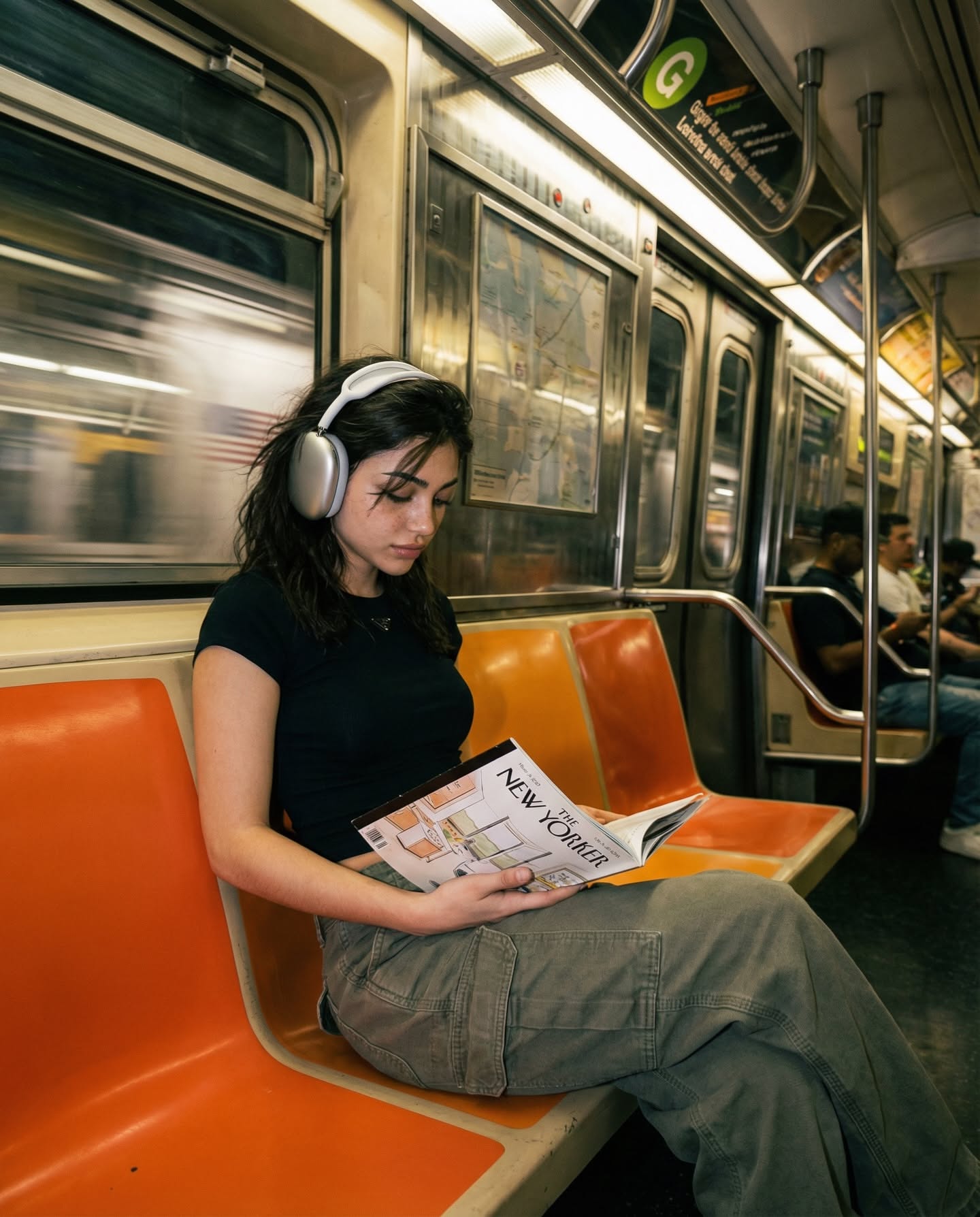
Scene: On a moving subway or light rail, with rhythmic track noise and station announcements in the background.
I’m just heading back from the tech meetup. The presentation on neural networks was actually quite insightful. I was thinking we should pivot the landing page to highlight the real-time processing speed. Let’s sync on this once I’m back at my desk and can look at the codebase.

Scene: On a busy street, with distant traffic noise and occasional pedestrian conversations in the background.
Quick thought while I’m out grabbing lunch. We need to double-check the billing logic for the pro tier. Make sure the 'Redo' button is clearly visible in the dashboard UI. I’ll sketch out the updated user flow for the transcription history later tonight.

Scene: In a timber yard or workshop, with wood handling sounds and distant machinery humming in the background.
I'm reviewing the inventory requirements for the timber yard project. We need to ensure the database can filter by wood species and moisture content. If we can get this logic into the Next.js frontend by Friday, we'll be ahead of schedule for the beta release.

Scene: In an airport terminal, with open ambient reverb and occasional German announcements in the background.
Ich sitze gerade am Flughafen und warte auf den Anschlussflug. Ich habe mir die neuen Marketing-Entwürfe angesehen. Die Farben passen perfekt zur Marke, aber wir sollten die Schriftart im Header noch etwas anpassen. Ich schicke dir die Details, sobald ich gelandet bin.

Scene: At an outdoor exhibition or market, with light wind and low visitor chatter in the background.
Je me promène dans l'exposition, c'est très inspirant. J'ai eu une idée pour notre prochaine vidéo : on pourrait utiliser des animations de vieilles photos pour montrer l'évolution du projet. Qu’en penses-tu ? On peut en discuter plus longuement pendant le dîner.

Scene: At an outdoor piazza bistro, with clinking tableware and distant bell chimes from the square.
Ciao! Sono in piazza, stiamo per ordinare. Ti ho chiamato solo per confermare il numero di persone per la riunione di domani mattina. Saremo in cinque, giusto? Perfetto, segno tutto su MAI-TRANSCRIBE-1 così non dimentico nulla. A più tardi!
Transcribe internal meetings, team calls, interviews, and recorded discussions into searchable text.
Turn customer support calls into structured transcripts for QA, auditing, review, and follow-up workflows.
Create text from podcasts, webinars, videos, and lessons for subtitles, captions, and accessibility use cases.
Process long-form spoken content into transcripts that are easier to search, reuse, and summarize.
Convert user interviews, focus groups, and research sessions into text for analysis and reporting.
Transcribe lectures, onboarding sessions, and learning content for review, search, and retention.
Pricing
Basic
Best value for recurring light usage
$16.58/mo
27,600 credits/year
2,300 credits/month average
About 372 transcription hours per year
Standard
Best for growing transcription teams
$41.58/mo
69,000 credits/year
5,750 credits/month average
About 930 transcription hours per year
Pro
For agencies and high-volume audio pipelines
$83.25/mo
138,000 credits/year
11,500 credits/month average
About 1,860 transcription hours per year
Overview
MAI-Transcribe-1 is built for speech-to-text workloads where transcript quality matters. It is designed for multilingual audio, difficult recording conditions, and production transcription tasks that need cleaner output than casual voice notes.
This product page focuses on what users actually care about: accurate speech recognition, stable results on noisy audio, practical language support, and a workflow that turns audio files into usable text.
Performance
A strong transcription product has to handle real audio, not just clean demos. MAI-Transcribe-1 is especially relevant for recordings with background noise, low-quality capture, mixed accents, and overlapping speech.
That makes it a strong fit for meetings, support calls, live recordings, interviews, subtitles, and archive processing where audio quality is inconsistent.
Languages
MAI-Transcribe-1 supports 25 languages, which makes it useful for teams handling multilingual content, international operations, or mixed-language transcription workloads.
If your product or workflow depends on speech-to-text across multiple languages, MAI-Transcribe-1 gives you one model family to evaluate for both accuracy and operational consistency.
Workflow
Submit audio files such as MP3, WAV, or FLAC for speech-to-text processing.
Run the audio through MAI-Transcribe-1 for fast, accurate transcription across multilingual and noisy-audio scenarios.
Turn the output into notes, captions, subtitles, searchable archives, summaries, or downstream product workflows.
Highlights
Accurate speech-to-text output matters most when the source audio is messy, long, multilingual, or business-critical.
MAI-Transcribe-1 is relevant for users who care about transcript quality, not just model branding.
Noisy environments, low-quality recordings, and overlapping speech are core speech-to-text pain points this model is meant to address.
A strong MAI-Transcribe-1 product page should explain what the product does, which audio it handles well, and who should use it.
Accurate speech-to-text output matters most when the source audio is messy, long, multilingual, or business-critical.
MAI-Transcribe-1 is relevant for users who care about transcript quality, not just model branding.
Noisy environments, low-quality recordings, and overlapping speech are core speech-to-text pain points this model is meant to address.
A strong MAI-Transcribe-1 product page should explain what the product does, which audio it handles well, and who should use it.
FAQ
MAI-Transcribe-1 is a speech-to-text model used for turning spoken audio into text across multilingual and production-style transcription workloads.
MAI-Transcribe-1 can be used for meetings, support calls, interviews, subtitles, podcasts, training recordings, and other speech-heavy audio files.
Yes. One of the key strengths associated with MAI-Transcribe-1 is handling difficult recording conditions such as background noise, low-quality audio, and overlapping speech.
MAI-Transcribe-1 is positioned around 25-language transcription support for multilingual speech-to-text use cases.
Yes. MAI-Transcribe-1 is especially relevant for batch transcription workflows like subtitle creation, archive processing, and large sets of uploaded recordings.
It is a good fit for teams and creators who need accurate speech-to-text for calls, meetings, captions, archives, customer conversations, and multilingual content.